
Simple Steps to Help You Retrieve Lost Data
We’ve all faced the situation where a crucial file on our phone suddenly disappears. Whether it’s an important document, a cherished photo, or a favorite song, losing data can be frustrating and concerning. The good news is that there are ways to recover deleted files from your phone. This guide will walk you through practical steps to retrieve lost information, ensuring your valuable data is not gone forever.
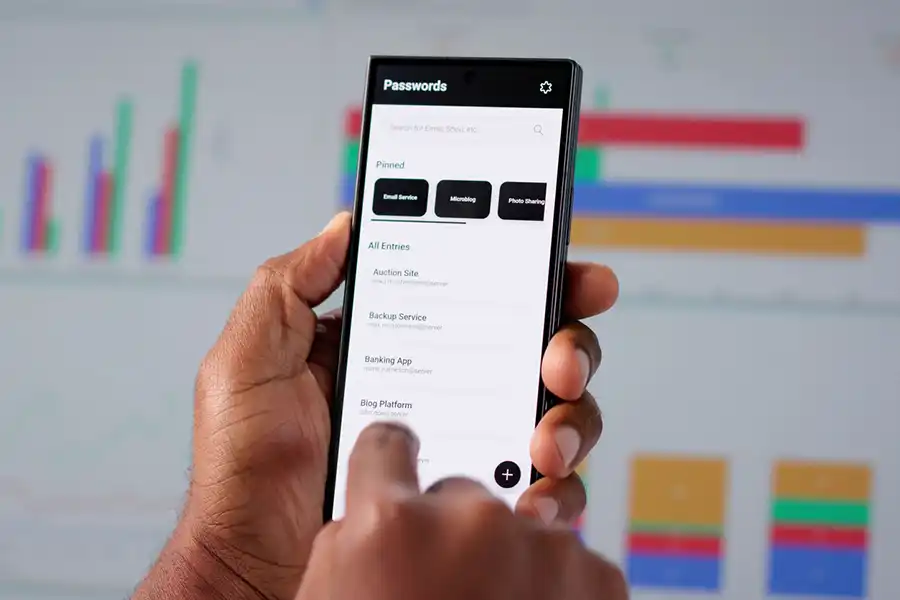
Understanding File Deletion
When you delete a file from your phone, it doesn’t immediately vanish into thin air. Instead, the space it occupied is marked as available for new data. Until new files overwrite this space, there’s still a chance to recover the deleted files. However, acting swiftly improves your chances of successful recovery.
Using Built-In Backup Options
Most smartphones come with built-in backup solutions. For example, Android phones often use Google Drive, while iPhones utilize iCloud. These services regularly save copies of your files online. To recover your data, access these CLOUD services and look for the missing files in their backups. This method of phone data recovery can restore your files effectively without additional tools.

Third-Party Recovery Apps
If the built-in backups do not help, consider using third-party apps designed for phone data recovery. These apps scan your device for remnants of deleted files. Popular options include DiskDigger for Android and Dr.Fone for both Android and iOS. Always download apps from trusted sources to avoid malware risks.
Checking Your Recycle Bin
Some phones have a recycle bin feature that temporarily stores deleted items before permanent deletion. Check this folder if applicable on your device. Files remain in the recycle bin for a limited time before being permanently erased, so timely checking is crucial.
Exploring External Storage Solutions
If your phone uses external storage like an SD card, remove it carefully and connect it to a computer. Use software designed for SD card recovery to scan and retrieve lost files. Many programs offer free trials allowing you to see what can be recovered before purchasing full functionality.
Avoiding Future Data Loss
Prevent future data losses by setting up regular automatic backups on your phone. Use CLOUD services or external devices to create duplicates of important files. Regularly check and update your backup settings to ensure all critical data remains protected.
- Enable automatic backups with CLOUD services
- Use reliable third-party recovery apps from trusted sources
- Regularly clear unnecessary files to prevent accidental overwriting
The Importance of Professional Assistance
If you’re unable to recover important files yourself, professional services are available. Data recovery specialists use advanced tools and methods to recover lost information. Consider this option when personal attempts fail or when dealing with highly valuable or sensitive data.
Your First Step After Data Loss
The moment you realize a file has been deleted, stop using your phone extensively. Continued usage might overwrite the space occupied by the deleted file, making recovery impossible. Swift action enhances the possibility of retrieving your files successfully.
Reach Out to Us for Support
If you need further assistance with recovering deleted files, don’t hesitate to contact our team for professional guidance and support. Located in Thousand Oaks, CA, our experts at Net Solutions Thousand Oaks are ready to assist you with any challenges you face in protecting and recovering your mobile data. Call us at (805) 372-1651 today for expert advice and assistance tailored to meet your needs.